In this video, you'll learn how to change your password. There are also text-based instructions with screenshots below the video.
Instructions
To add or change your profile picture, log in with your current credentials. Then click where you see your name in the upper righthand corner.
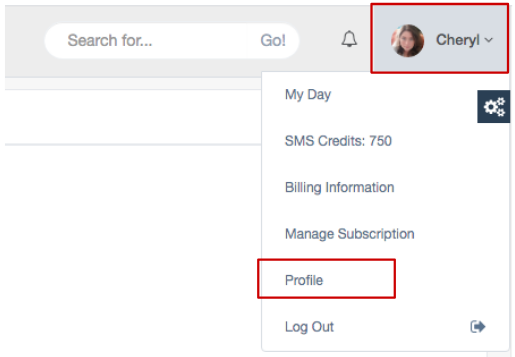
Once you're on the Profile page, the first thing you'll see at the top of the page is the Profile Picture section.
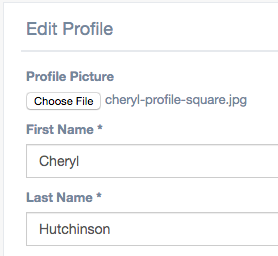
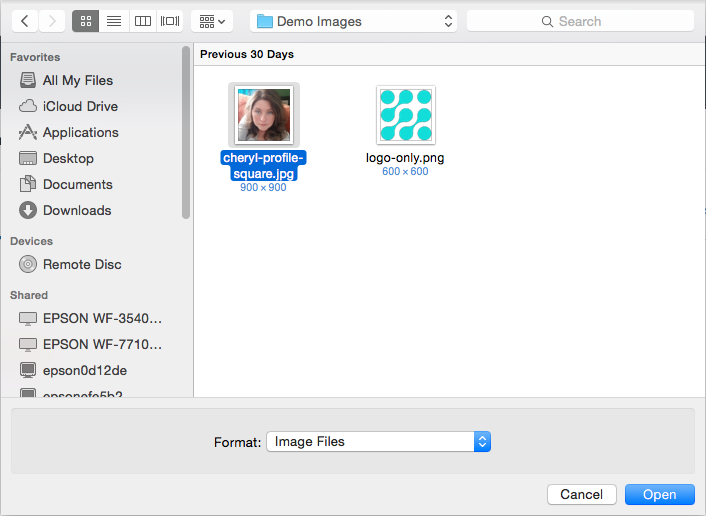
Click "Choose File" to upload your picture. Choose a photo that is roughly square to minimize stretching.
Scroll down to the bottom and click "Save." After you save, refresh and you will see the profile picture you added in your email signature at the bottom of the page.

Comments
0 comments
Article is closed for comments.